> ## Documentation Index
> Fetch the complete documentation index at: https://notes.linserin.work/llms.txt
> Use this file to discover all available pages before exploring further.

# Windows Terminal 配置

# 添加 Git Bash

<Frame>
  <img src="https://mintcdn.com/linserin/TJ1NQidAMs2QCcj9/images/image-1.png?fit=max&auto=format&n=TJ1NQidAMs2QCcj9&q=85&s=a28613ca588c5b42fdf41668d2121447" alt="Image" width="1105" height="329" data-path="images/image-1.png" />
</Frame>

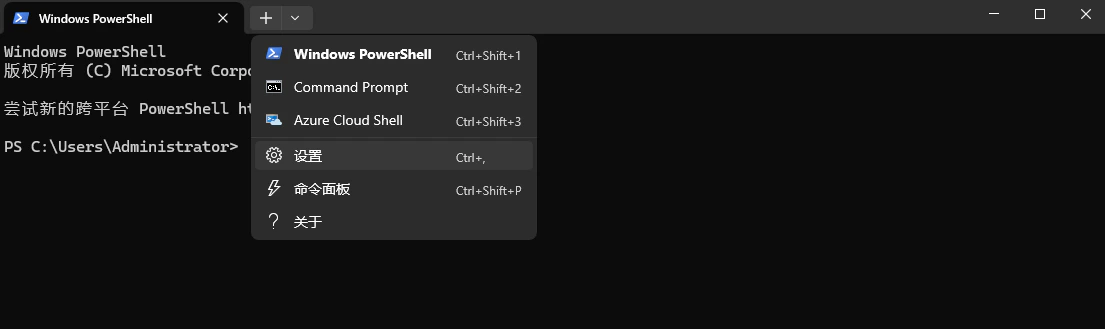
使用快捷键或者菜单打开设置

<Frame>
  <img src="https://mintcdn.com/linserin/TJ1NQidAMs2QCcj9/images/image-2.png?fit=max&auto=format&n=TJ1NQidAMs2QCcj9&q=85&s=01a598e4bdf81943cf487636e291cec1" alt="Image" width="306" height="458" data-path="images/image-2.png" />
</Frame>

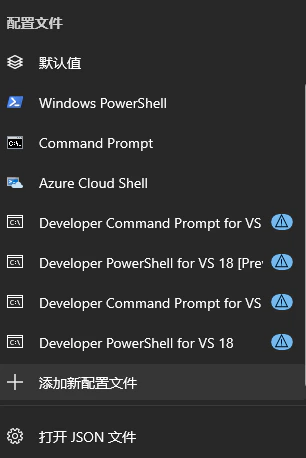
找到"添加新配置文件“

<Frame>
  <img src="https://mintcdn.com/linserin/TJ1NQidAMs2QCcj9/images/image-3.png?fit=max&auto=format&n=TJ1NQidAMs2QCcj9&q=85&s=315119bfd628151b7d9b08d8968e4e93" alt="Image" width="1094" height="629" data-path="images/image-3.png" />
</Frame>

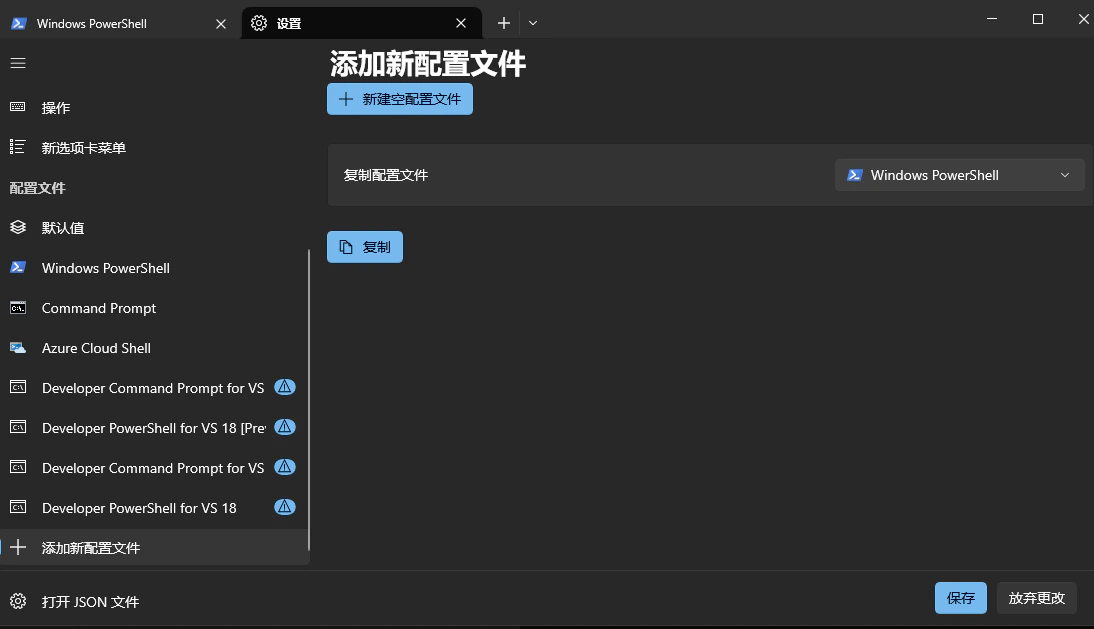
新建空配置文件

填入：

| 项目  | 内容                                     |
| --- | -------------------------------------- |
| 名称  | Git Bash                               |
| 命令行 | X:\path\to\git\bin\bash.exe --login -i |

# 美化

修改位置：Windows Terminal 设置 - 配置文件 - 默认值 - 外观

## 文本

配色方案：`One Half Dark`

背景不透明度：`85%`

启用亚克力材料：`开`